
Why should I use the new calibration rods?
|

|
Warning!
The calibration kit is required before updating to the firmware version 0.3.0, to be released October 2025! After updating the firmware, the machine has to be calibrated with the new calibration kit.
Calibration Guide
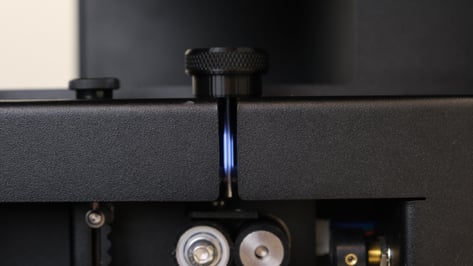
The step by step instructions can be found on the new senser view landing page. Below are additional pictures to help illustrate the procedure.
| 1. Ensure the machine is turned on, but NOT extruding. We we need to access the extrusion area safely, and without risk of burns. | 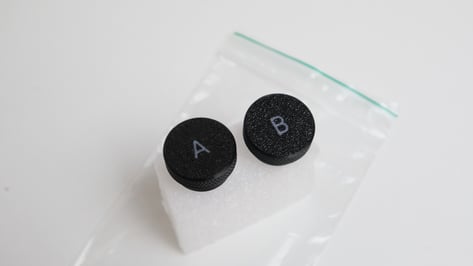 |
| 2. Open the calibration process panel by entering the IP address of your FM TWO in your web browser, and add :8000 at the end. |
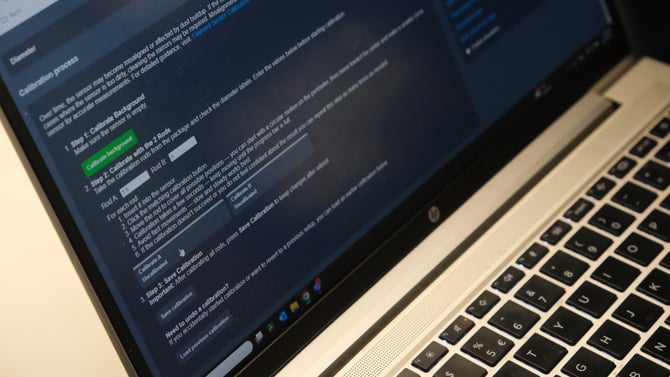 |
|
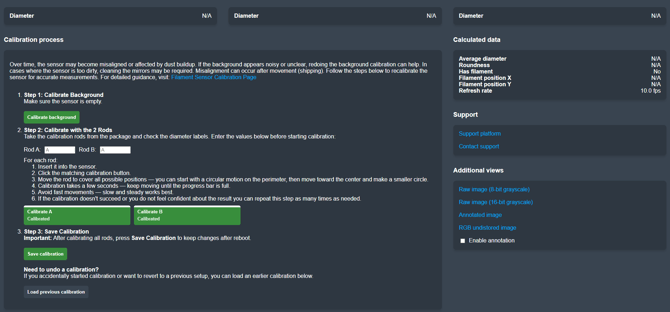
3. Follow the steps shown in the Calibration process: |
|
|
Step 1: Calibrate Background |
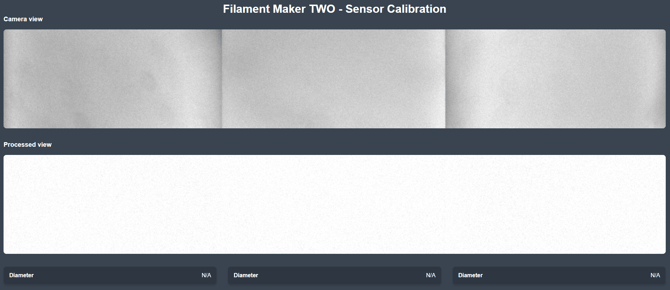 |
|
Step 2: Calibrate with the 2 Rods As mentioned before, the two rods have incredibly accurate thickness: Rod A: 1.5 Rod B: 3.0 |
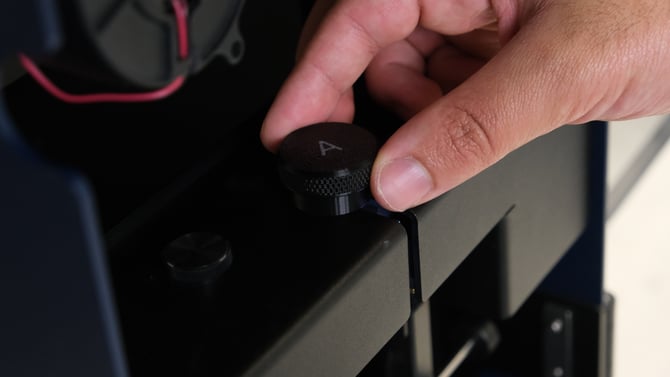 |
|
|
 |
|
Step 3: Save Calibration |
 |
|
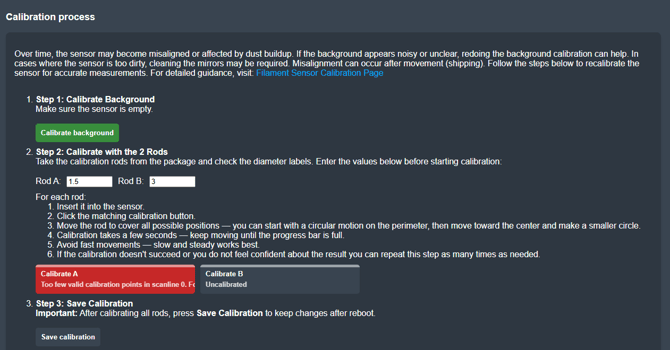
If any of the calibrations fail, the UI will let you know.
|
 |
Continue Reading
This operation is part of the optimization kit for the Filament Maker TWO.